

Updated
How to Make an HTML Contact Form That Sends
By João Saraiva
A contact form on your website can look right and still deliver nothing. HTML only shows the form, then sends what people type to the address in its action attribute. If you run a small business or work for clients, the code below takes a minute to paste. The part that decides whether you ever read a message is that address, and a website made only of files has nothing there to receive it. A form service gives you an address, and on Solta the site's own address keeps the messages. Each application sent through Solta's job application form template arrives in the site's Answers tab.
See it work
- 1Paste the page
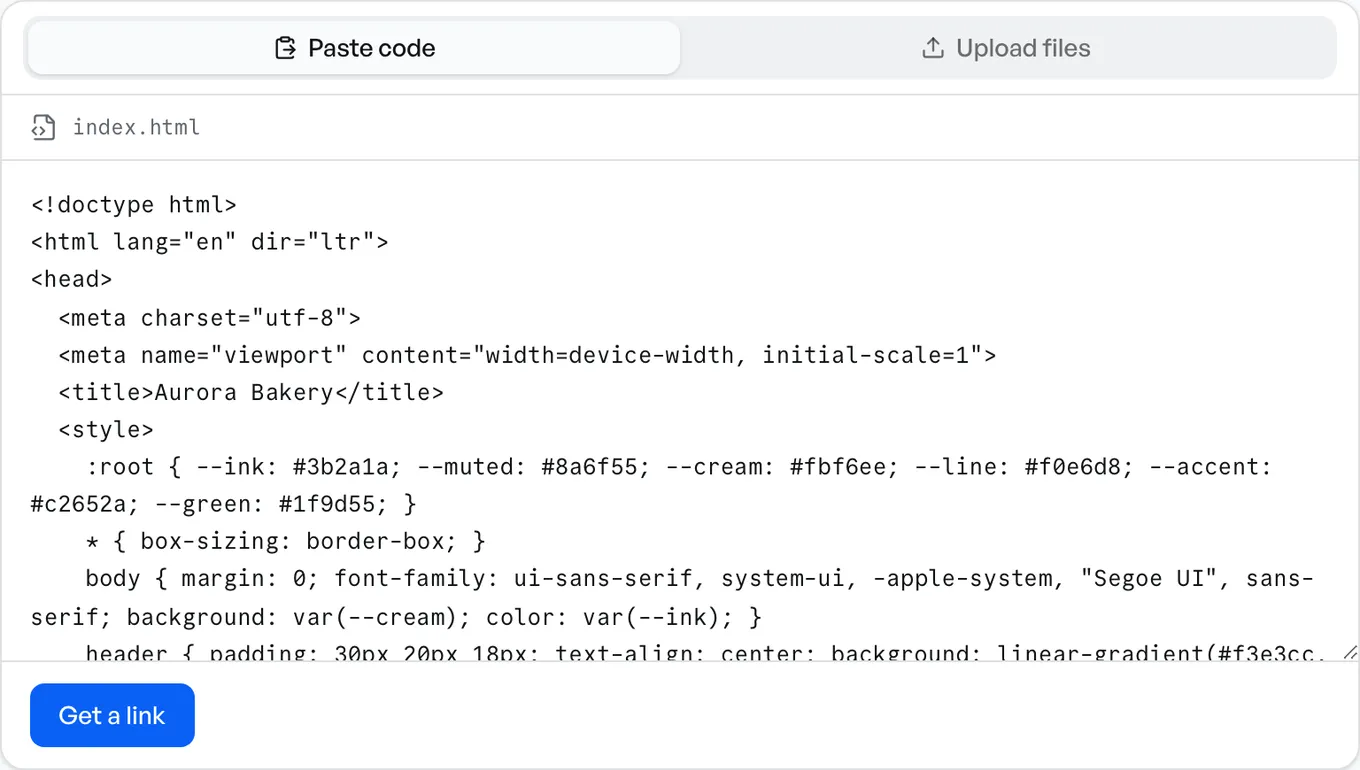
- 2Get the link
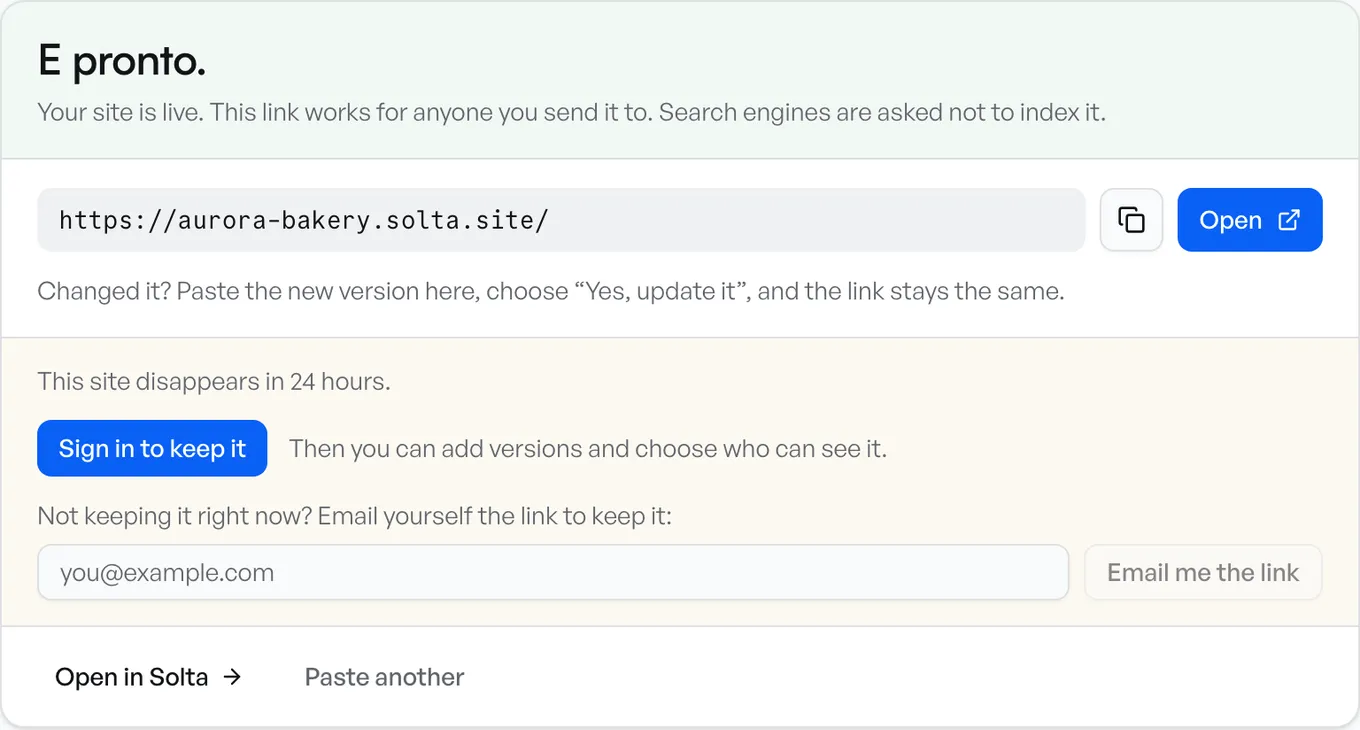
- 3Anyone can open it
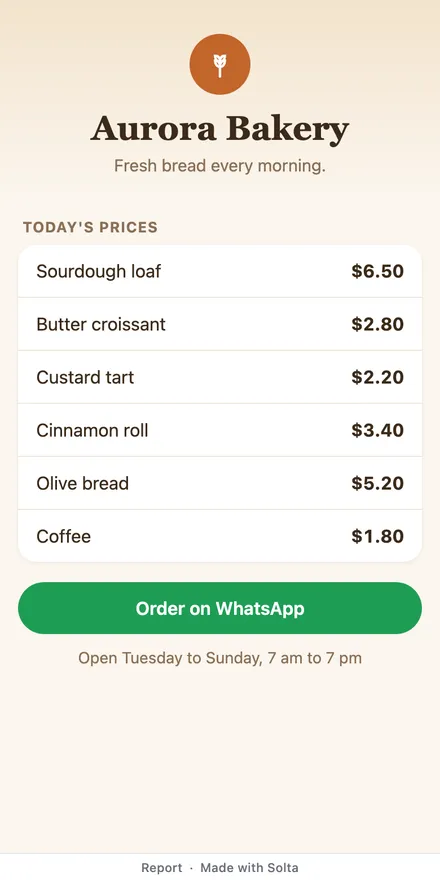
The Contact Form Code
Paste this where the form should be on your page. Each box has a name, and the browser sends each one as that name and what the person typed. required stops the form until the box is filled in, and type="email" checks that the address looks like one.
<form method="post" action="ADDRESS">
  <label for="name">Name</label>
  <input id="name" name="name" required>
  <label for="email">Email</label>
  <input id="email" name="email" type="email" required>
  <label for="message">Message</label>
  <textarea id="message" name="message" required></textarea>
  <button>Send</button>
</form>
ADDRESS is the part to change. The rest of this page is what to put there. The words between the tags (Name, Email, Message, Send) can be in any language.
Why the Send Button Does Nothing
The action is where the form sends what people typed. MDN's guide says it should be a file on the server that can handle the data, and a form with no action sends to its own page. A website made only of HTML files has no program of yours to read the message, so it is lost.
A form an AI writes can stop in its own code without sending anything, or post to #. The button seems to work and nothing arrives. Solta checks each site you publish for this and says so: *This form doesn't send answers anywhere yet.*
With a Form Service
A form service gives you an address to put in action, and what people type goes there.
- Formspree: create an account and a form, then use the address it gives you, which starts with
https://formspree.io/f/. Its free plan is for testing, with 50 submissions a month. - Netlify Forms, for a website on Netlify: turn on form detection, then make the opening tag
<form name="contact" method="POST" data-netlify="true">. Netlify calls the form by itsnameand finds it in your HTML when it publishes the website. Leave outactionand Netlify shows its own page after sending, or set it to a page of yours, such as/pages/success.
Formspree is one more account to make. Netlify reads the form from your HTML, so a form that JavaScript draws after the page opens needs a hidden copy in the HTML, as Netlify's guide explains.
On Solta, at the Site's Own Address
A site on Solta keeps the messages itself. The form posts to the site's own address, so there is no address to copy and no form service to sign up for. Solta's job application form template is a working example.
- Set
actionto/_solta/forms/and a name you choose, in lowercase letters, numbers and hyphens, such as/_solta/forms/contact. - Publish the page. Paste the HTML in the box, or drop the file there.
- Sign in to keep the site. A site made without an account lasts 24 hours and keeps no messages, because nobody could read them yet.
- Solta finds the form when the site is saved, and it collects from the start. Each message arrives in the site's Answers tab, newest first, with a Spreadsheet (CSV) button to download them.
<form method="post" action="/_solta/forms/contact">On Free, an account's forms collect 100 answers a month across all its sites, kept for 30 days, with one email a day of what came in. On Pro and Team, each answer is emailed to you as it arrives. Site settings, then Forms, has a switch to turn a form off. Forms on Free and Plus can't take passwords, card numbers or codes.
If an AI made the page and its form sends nowhere, Solta offers Copy a prompt to make it collect. Paste it into the chat that made the page, and the chat changes the form to post to the site's address. Publish the new version, and the form collects from then on.
What the Person Sees After Sending
The plain form above works as it is. On Solta, the person who sent it sees a short page saying it was sent, or why it wasn't.
To keep them on your page, send the form with JavaScript and show your own message. Collecting answers lists what Solta replies in each case, so the page can say what happened.
Which Way to Use
- Your website runs on a server with PHP or another language: a file there can handle what the form sends.
- Your website is on Netlify: Netlify Forms.
- Your website is somewhere else: a form service such as Formspree.
- The page is on Solta, or you want it online today with one account: post to the site's own address.
Sources
Each company's facts are what its own pages said when we read them, on 16 November 2026:
- MDN: sending form data
- Formspree: plans and its help page that shows the form address
- Netlify: form setup
Questions
Can an HTML form send an email by itself?
No. The form sends what people type to the address in its action, and something at that address has to receive it. A form service, a script on your server, or Solta at the site's own address can be that address.
Where do the messages go on Solta?
To the site's Answers tab, newest first, with a CSV download. On Free you get one email a day with what came in, and on Pro and Team each message is emailed as it arrives.
Can people attach a file to the contact form?
Not on Solta, whose forms take text. Ask for a link to the file instead.
Do I need JavaScript for a contact form?
A plain HTML form works without it. JavaScript lets the page show its own message after sending and keep the person on the page.
Does a contact form on Solta cost anything?
Forms collect on every plan, Free included, with 100 answers a month across all your sites on Free. Sign in to keep the site, or it keeps no messages.