

Updated
How to host your own website without renting a server
By João Saraiva
If your website is one page or a few files, like the ones an AI makes, you don't need to rent a server. Upload it to a static host, Solta or another, and it gets a link anyone can open, for free.
Which kind of website do you have?
Hosting means keeping your website on a computer that is always on, so anyone can open it. What kind of host you need depends on what your website does.
| What you have | For example | What it needs |
|---|---|---|
| A page or file from an AI | A calculator Claude made, a ChatGPT canvas, an index.html | A static host. Solta is one. |
| A portfolio | Your work, an about page, a way to get in touch | A static host, or a website builder if you would rather drag and drop |
| A store or a blog | Products and a checkout, or posts you write every week | WordPress or a similar platform built for selling or writing |
| An app with a database | Logins, accounts, data everyone shares | A server that runs your code, and a database |
Most pages an AI makes are the first kind, and so are most portfolios. If yours is, the three steps below are all it takes.
Paste your page in the box below
Put it online in three steps
1. Get your page as a file, or copy it
If an AI made it, copy the code it wrote, or download the file. If there is more than one file, such as a page and its pictures, keep them together in one folder and name the main page index.html. A React file from Claude or ChatGPT, one that starts with import lines, works too: Solta builds it into a page when you publish.
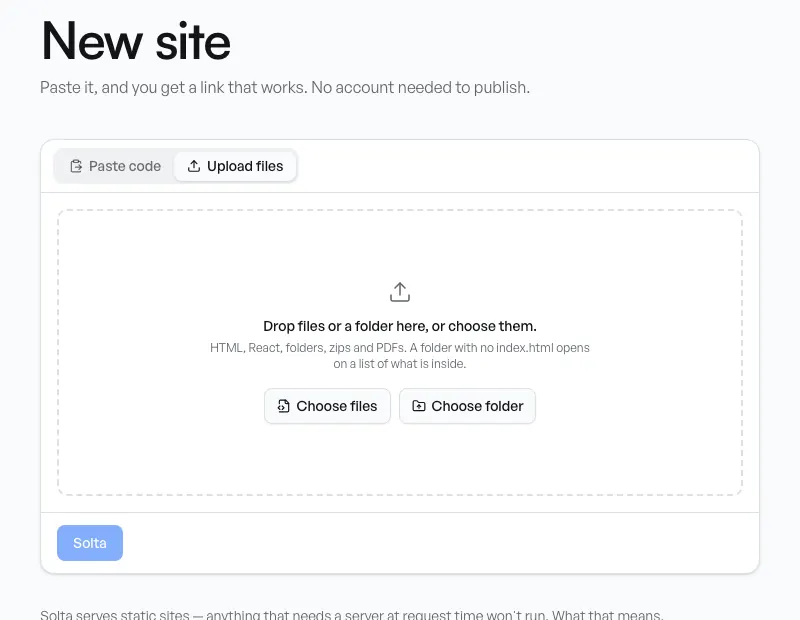
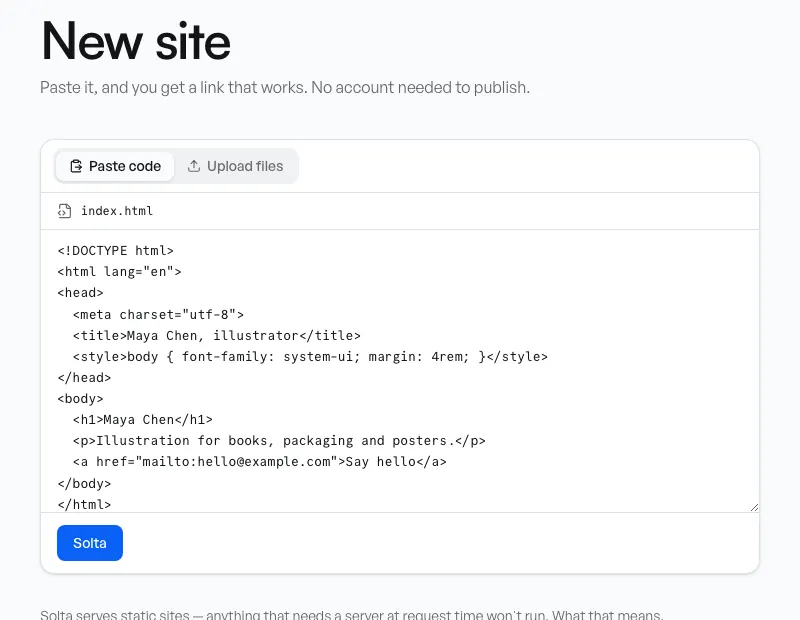
2. Paste or upload it at solta.now/new
Paste the code into the box, or switch to Upload files and drop the file or folder. Then press Solta. The site is live at once, at its own address on solta.site.
You don't need an account to try it. An unclaimed site stays up for 24 hours. Claiming it takes one click and a link sent to your email, and it keeps the same address.
3. Choose who can open it, and send the link
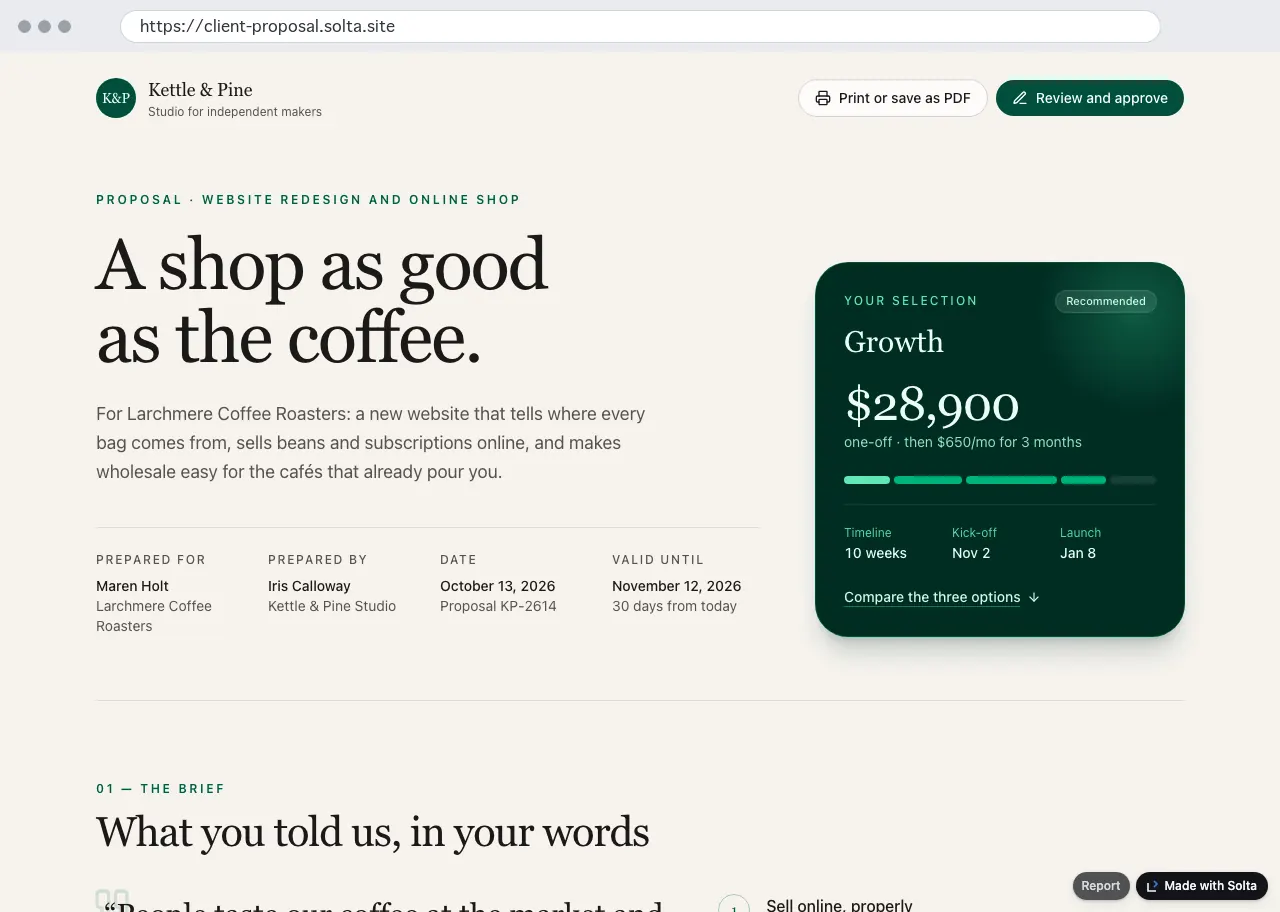
Once the site is yours, choose who can open it. Public is anyone, and search engines may list it. Unlisted is anyone with the link. Private is only you and the people who work on it. A password is on every plan (one site at a time on Free). Then copy the link and send it. Who can open a site.
Paste your page in the box below
What about a domain?
You don't need to buy one. Every Solta site gets its own address, such as your-name.solta.site, with https already on. A domain of your own, like yourname.com, is paid for each year at a domain registrar, and you point it at your host by adding a record in its DNS settings.
On Solta, your own domain is on Pro and Team. How your own domain works, and what it comes with.
What it costs
Free costs nothing. You get public, unlisted and private sites, one password-protected site, the last 5 versions of each site, and 200 MB of storage.
Pro is $12 a month or $108 a year. It adds a password on as many sites as you like, invitations to named people by email, every version kept, 10 GB of storage, and no Solta mark. The people who open your link never pay on any plan. Pricing.
Paste your page in the box below
When you really need a host
Solta, like any static host, sends your files to the people who open them. It doesn't run code on a server for you. That is fine for a page, a calculator, a report or a portfolio. It is not enough when your website has to:
- take payments and keep track of stock, like a real store;
- let people sign up and log in to their own accounts;
- keep one database that every visitor reads and writes;
- run server code, such as PHP, Python or Node.
For those, use a platform made for the job, or rent a server and run it yourself. That is more work and costs money every month, so do it only when the website needs it. What Solta can't run.
Compared with GitHub Pages, Netlify Drop and tiiny.host
All four serve static files at an https address. What each one says on its own pages, read on 13 October 2026:
| Host | How you start | Free | Your own domain |
|---|---|---|---|
| GitHub Pages | A GitHub account and a repository for the site | Yes, from a public repository on GitHub Free. Sites up to 1 GB. Not for running an online business. | Yes |
| Netlify Drop | Drop a folder, no account. It sits behind a temporary password until you claim it by signing up. | Yes. Drops under 50 MB work best. | Yes, with SSL, on the free plan |
| tiiny.host | Upload an HTML file or a zip, and choose a name | A free plan: one live site, uploads up to 3 MB, 5,000 visits a month.1 Some accounts are also offered a free trial of the paid plans, which becomes a paid plan unless cancelled.2 | From its Solo plan |
| Solta | Paste or drop it, no account. Claim it with a link sent to your email. | Yes. Files up to 2 MB, folders and zips up to 50 MB. | On Pro and Team |
Which to choose
- GitHub Pages if you already use Git: free from a public repository, and with your own domain.
- Netlify Drop for a finished website, or a project it can build for you, with your own domain and SSL on the free plan.
- tiiny.host for a finished HTML file or zip that needs your own domain, PHP or editing on the site, on its paid plans.
- Solta for a page from Claude or ChatGPT, React included, that you send to particular people with a password or an invitation.
See also: Solta vs tiiny.host · Solta vs Netlify Drop
Paste your page in the box below
Questions
What is web hosting?
A computer that is always on and sends your website to anyone who opens its address. A host runs those computers, so you don't have to.
Can I host a website for free?
Yes, if it is a page or a small static website. All four hosts above have a free way in, each with the limits shown. A store, or an app with logins and a database, usually costs money.
Can I use my own domain?
On most hosts, yes: you buy the domain and add a DNS record. On Solta, that is on Pro and Team.
Do I need to know how to code?
No, not for a page an AI made. You copy, paste and press a button. To change the page, ask the AI for a new version and publish it to the same site: the link stays the same.