

Updated
How to Share an Excel File as a Link
By João Saraiva
Save the workbook to OneDrive, select Share in the top right corner of Excel, and send the link it gives you. Use that when the other person needs to edit the numbers with you. When a client only needs to read a quote, a price list or a monthly report on a phone, send a link they can only read, so your original stays as you left it. A OneDrive or Google Drive link with editing off does that, and so do a PDF copy and Solta, which opens each sheet as a page. Casa Mimo, a small business that is just starting, keeps its catalog and prices on one Solta page and takes its orders by message.
See it work
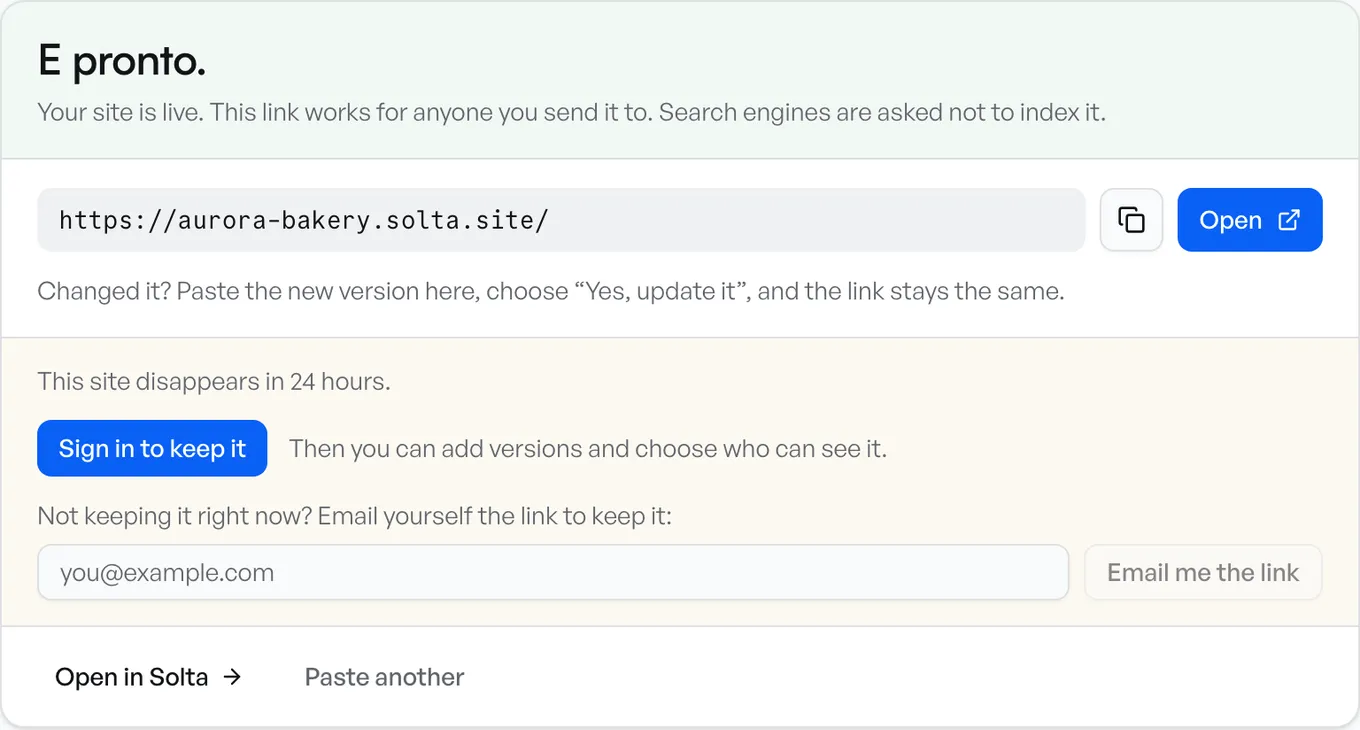
- 1Get the link
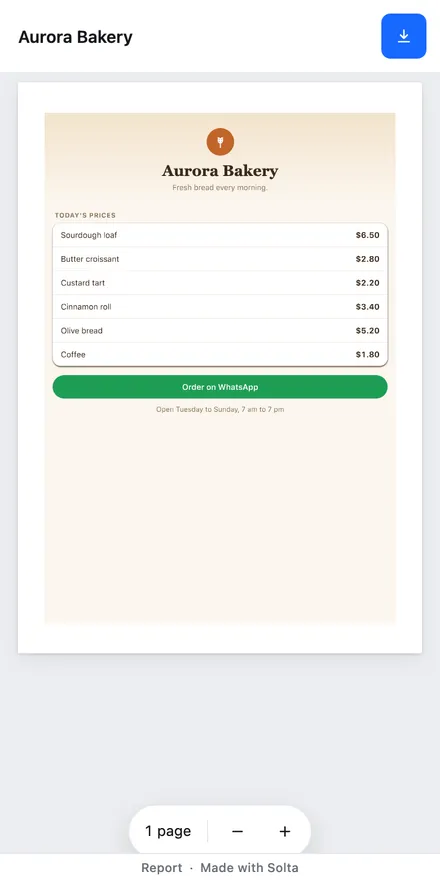
- 2Open it on any phone
From Excel, With OneDrive
Microsoft's help page starts with the workbook on OneDrive or SharePoint. Then, in Excel:
- Select Share in the upper right.
- Choose the permissions, then select Apply.
- Add the people's email addresses and select Send, or select Copy Link to paste the link yourself.
In the Excel app on Windows or a Mac, several people can edit the workbook at the same time with a Microsoft 365 subscription, in a .xlsx, .xlsm or .xlsb file. Excel for the web lets them edit it together in a browser too.
For a link that anyone can open without being invited, set it from OneDrive itself:
- Sign in at onedrive.com and select the workbook.
- Select Share, open the link settings and choose Anyone.
- Uncheck Allow editing. OneDrive turns it on by default.
- Select Apply, then Copy, and paste the link into an email, a text or a chat.
With editing off, people can view, copy or download the workbook without signing in. On a work or school account, an admin can turn off Anyone links. A password or an end date on the link is only for Microsoft 365 subscribers. Read-only keeps your original intact, and Microsoft's help says it doesn't stop someone from downloading a copy and changing that copy.
With Google Drive or Google Sheets
- Upload the Excel file to Drive.
- Select it and choose Share.
- Under General access, choose Anyone with the link.
- Choose the role, select Copy link, then Done.
Anyone with that link can open the file without a Google account. Viewer lets people look at it, Commenter lets them add comments and suggestions, and Editor lets them change it. Anyone the link is forwarded to gets that role too. To let only certain people edit it, leave General access on Restricted and add their email addresses with the Editor role.
Double-click an Excel file in Drive and it opens in Google Sheets. Google's help lists macros and links to other spreadsheets among the things Sheets doesn't support in an Excel file, so check a workbook that uses them before you send it.
Save It as a PDF First
A PDF shows the numbers as they were when you saved it. Nobody can change a cell, and the reader needs no spreadsheet app to see it.
- In Excel on Windows, select File, then Save As or Save a copy.
- In the list of file types, choose PDF.
- Select Options. Under Publish what, choose the part of the workbook to include, so every sheet the reader needs is in the PDF.
- Select OK, then Save.
On a Mac, select File, then Save As or Save a copy, and choose PDF under File Format. On an iPhone or iPad, tap the File button at the top left, then Export and PDF.
Send the PDF as an attachment, or share it as a link with any of the ways on this page.
As a Link on Solta
For one workbook, save it as a PDF and drop the PDF on PDF to link. The link opens straight on the pages, in Solta's viewer, on a laptop or a phone.
To share the Excel file itself, or several files at one link:
- Put the files in a folder. Spreadsheets in .xlsx, .xls or .ods all work.
- Open the box, go to Upload files and use Choose folder, or drop the folder or a .zip of it.
- It publishes as soon as you choose it. When the folder has no web page in it, the link opens on a list of the files. Each spreadsheet opens in the PDF viewer, one sheet to a page, with Download for the original file. The first person to open one may wait a moment while its pages are made.
- Sign in to keep the site. One made without an account lasts 24 hours.
The box takes a spreadsheet inside a folder or a .zip. One file can be up to 10 MB on Free, 25 MB on Plus and 100 MB on Pro and Team. A whole folder can be up to 10 MB on Free, 50 MB on Plus and 250 MB on Pro and Team, counted unpacked, so a .zip of it fits no more. Put a bigger set in two folders.
The reader sees the numbers as you saved them, and can't sort, filter or change a cell. When they need to do that, share it with OneDrive or Google Sheets. Download gives them the original file with every sheet in it, hidden ones too, so delete any sheet they shouldn't see before you publish.
When the numbers change, publish the new version to the same site. The link stays the same, so the person who has it sees the new version, and earlier versions are kept, the last 2 on Free. How links and versions work.
Word documents in the same folder open the same way, as pages with Download for the original. How to share a Word document.
Casa Mimo keeps its catalog and prices on one Solta page, and takes its orders by message.
Which Way to Use
- They need to edit it with you at the same time: OneDrive, in Excel for the web or in the Excel app with Microsoft 365.
- They need to edit it, and you'd rather use Google: Google Sheets with Editor.
- They should comment on it: Google Drive with Commenter.
- They only need to read it: a PDF, as a link on Solta or from Drive or OneDrive, or the spreadsheet itself in a folder on Solta.
- Several files for one client, at one link: a folder on Solta.
Sources
Each company's facts are what its own pages said when we read them, on 18 November 2026:
- Excel: share your workbook with others and share a workbook in Excel for the web
- Excel: co-authoring
- OneDrive: share files and folders
- Google Drive: share files and work with Office files
- Microsoft Office: save or convert to PDF
Questions
How do I share an Excel file as a link?
Save it to OneDrive, select Share in Excel and choose Copy Link. On Google Drive, upload it and share it with anyone who has the link. On Solta, publish it in a folder, or save it as a PDF first and drop the PDF on PDF to link.
How do I share an Excel file so nobody can edit it?
Uncheck Allow editing on a OneDrive link, choose Can view in Excel for the web, or choose Viewer on Google Drive. People can still download a copy and change that copy. If you shared it with editing before, that old link still lets people edit until you remove it in OneDrive's sharing settings. On Google Drive, people who can edit the folder it's in can edit the file too. A PDF, or the spreadsheet on Solta, opens as pages to read, with the original file only as a download.
Can several people edit an Excel file at the same time?
Yes. With the workbook on OneDrive or SharePoint, people can edit it together in Excel for the web, or in the Excel app with a Microsoft 365 subscription and a .xlsx, .xlsm or .xlsb file. On Google Drive, the people you give the Editor role can change it too.
Does the person I send it to need Excel or an account?
Not to read it. A Google Drive link for anyone opens without signing in, and so does a OneDrive Anyone link with editing off, unless a work or school admin has turned those links off. A Solta link opens in any browser.
Can I change the numbers after I send the link?
On Solta, publish the new version to the same site and the same link shows it. Earlier versions are kept, the last 2 on Free.